82 settings use
Settings use,, PC of basic individual of · · · to using digital improve practical work type course.
0. Purpose and ultimate goal
Settings use education of objective learners Android, iOS, Windows, macOS, Chrome of understanding and,,,, entry,,, · learning · work to settings. · · · of,, digital course of using individual practice type with.
Referenced professional training patterns
- Course of device by, settings, individual with
- Course of,,, entry, practice
- Company · educationorganization education of, collaboration tools, document application
- Course of, response, personal information protection management
Introductory · 1 Day
Introductory 1 day settings use curriculum
Device by basic individual to settings application.
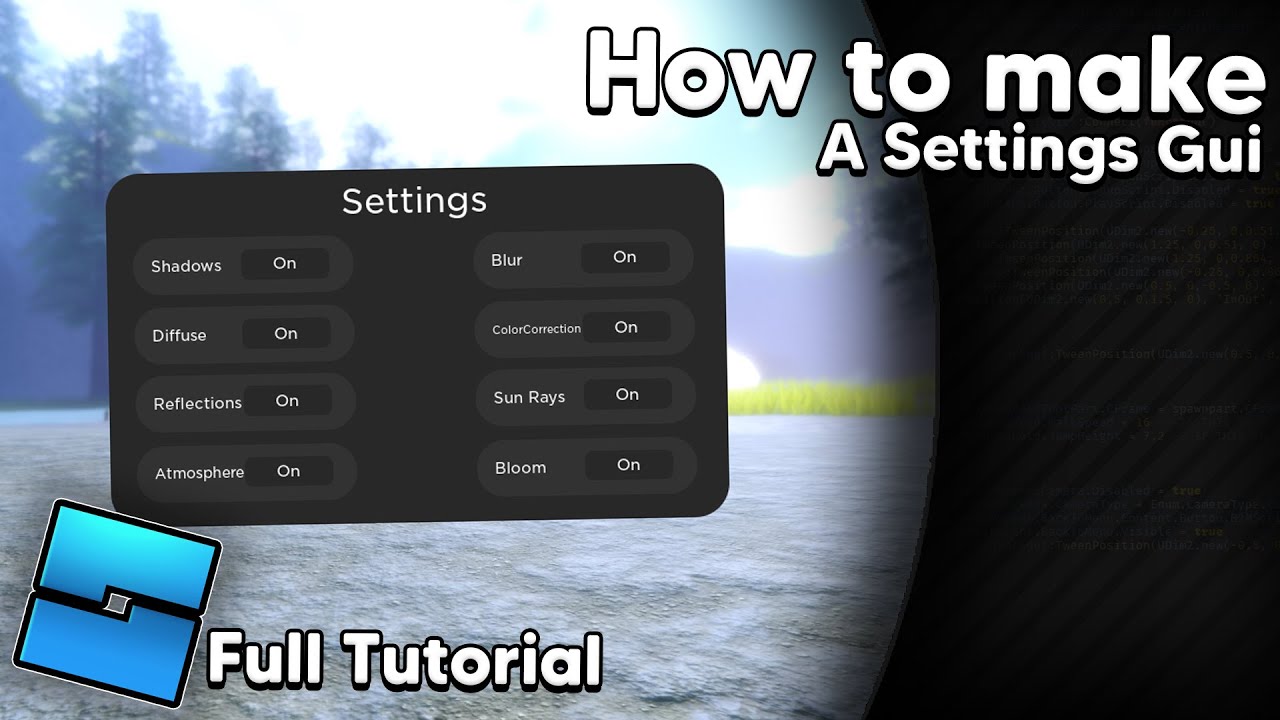
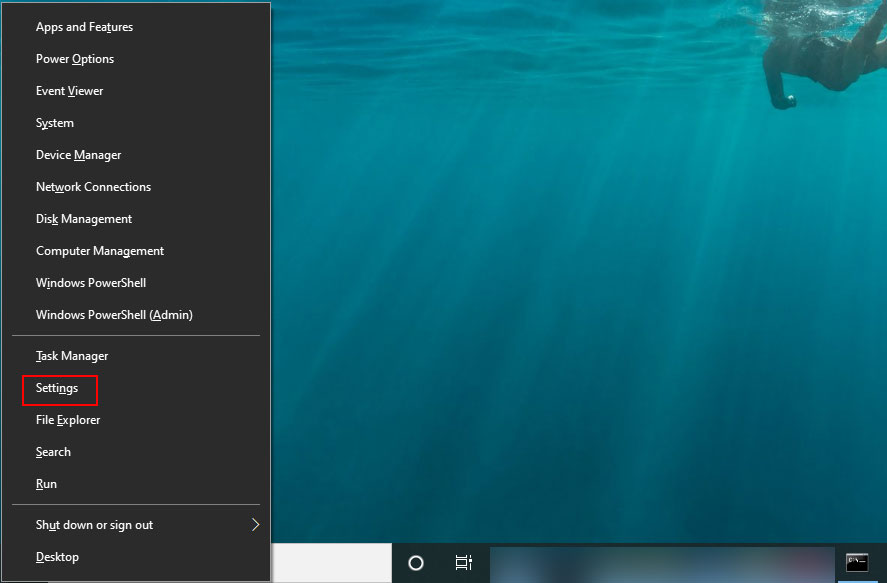
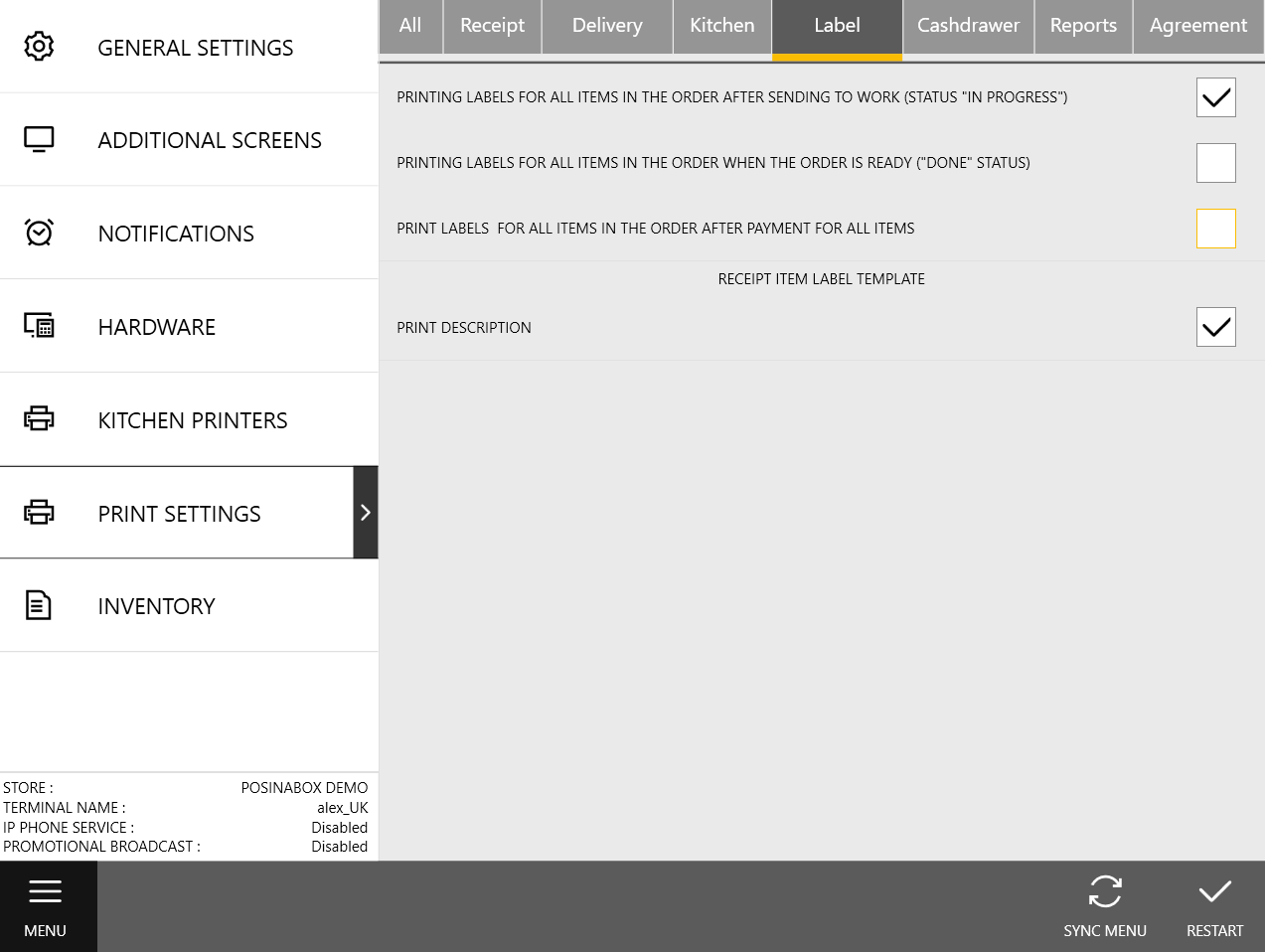

| Category | Details | Practice methods |
|---|---|---|
| Objective 1 | Device by basic understanding. | Android, iOS, Windows, macOS comparison and device in. By with and learners by with table. |
| Objective 2 | Settings application. | ,,,,, app in application. Hours,,,, settings and online class · video in. |
| Objective 3 | Individual settingstable create. | Learners device, app,, individual with with organize. Settings saving,, No. · authentication · app protection · and. |
| Platforms | Android, iOS, Windows, macOS, Chrome, TalkBack, VoiceOver, NVDA, ZoomText, Microsoft 365, Google Workspace |
|---|---|
| Instructor profile | Type by understanding, Android · iOS · Windows settings, basic, 1:1 experience 3years or more |
| Target learners | People with disabilities,, protection,, activity,, organization digital |
| Duration | 4-6 hours |
| Materials | , or,, Wi-Fi,, individual |
| Deliverables | Individual settingstable, device by, app settings result |
| Assessment method | 25%, settingsapplication 35%, individual 25%, 10%, participation 5% |
Beginner · 3 Days
Beginner 3 days settings use curriculum
App and learning app to settings connect.



| Category | Details | Practice methods |
|---|---|---|
| Objective 1 | Settings app to application. | TalkBack, VoiceOver, NVDA,, /, filter,, YouTube, map app in practice. Document, webpage,, format with settings. |
| Objective 2 | To application. | Hours,,, video, Zoom, Teams, YouTube in practice. Entry,,, AssistiveTouch, keyboard, mouse. |
| Objective 3 | Individual routine create. | ,,,, video, by with routinetable create. Protection · and problem settings,, sharing, procedure practice. |
| Platforms | Android, iOS, Windows, macOS, Chrome, TalkBack, VoiceOver, NVDA, ZoomText, Microsoft 365, Google Workspace, Zoom, Microsoft Teams, YouTube,, map |
|---|---|
| Instructor profile | Settings practice, basic, video of, experience 3years or more |
| Target learners | People with disabilities, digital beginner learners,, educationorganization |
| Duration | 12-18 hours |
| Materials | Individual device, video of account, practice document · video,, problem |
| Deliverables | App application result, individual routinetable, proceduretable |
| Assessment method | Application 30%, app use 30%, problem 20%, collaboration 15%, participation 5% |
Beginner · 1 Week
Beginner 1 week settings use curriculum
Individual with and learning · work application plan complete.



| Category | Details | Practice methods |
|---|---|---|
| Objective 1 | Individual with design. | Of, entry, with, app, with with writing. With Android, iOS, Windows, Chrome to application and difference. |
| Objective 2 | Document · · collaboration tools application. | Microsoft Word, PowerPoint, Google Docs, Slides in font,,,, order. Zoom, Teams, Google Meet in,, sharing, keyboard, practice. |
| Objective 3 | Management plan create. | App, OS, device, account settings procedure create. Personal information, information, data, sharing and of procedure design. |
| Platforms | Android, iOS, Windows, macOS, Chrome, TalkBack, VoiceOver, NVDA, ZoomText, Microsoft 365, Google Workspace, Google Docs, Google Meet, PowerPoint |
|---|---|
| Instructor profile | With design, document, collaboration tools, personal information protection map experience 3years or more |
| Target learners | People with disabilities learners, college student ·,,, organization |
| Duration | 20-30 hours |
| Materials | Individual device, document, video of account, table, personal information |
| Deliverables | Individual with, document, collaboration tools settingstable, management plan |
| Assessment method | With design 25%, document 25%, collaboration tools 25%, management 15%, presentation 10% |
Intermediate · 4 Weeks
Intermediate 4 weeks settings use curriculum
Organization · education · to settings operation system.

| Category | Details | Practice methods |
|---|---|---|
| Objective 1 | Organization diagnostic sheet create. | Education,,, in device, account, network, app. Type by settings, settings, device table with create. |
| Objective 2 | Application operation. | By with,,, and device in settings application. Learners using FAQ,, guide create. |
| Objective 3 | And security organize. | In,, entry, document, · assessment of with organize. Device, account sharing, personal information, management operation manual to. |
| Platforms | Android, iOS, Windows, macOS, Chrome, TalkBack, VoiceOver, NVDA, ZoomText, Microsoft 365, Google Workspace, LMS, Notion, Google Forms, diagnostic sheet |
|---|---|
| Instructor profile | Organization, people with disabilities, education operation, personal information · security management experience 4years or more |
| Target learners | Organization, educationorganization, organization, company HR · education, Digital Instructor |
| Duration | 40-60 hours |
| Materials | Education device, diagnostic sheet, type, LMS or Notion, security |
| Deliverables | Organization diagnostic sheet, operation, FAQ, of manual |
| Assessment method | System 25%, operation 25%, design 25%, securitymanagement 15%, presentation 10% |
Advanced · 8 Weeks
Advanced 8 weeks settings use curriculum
Settings education program and instructor operation manual develop.


| Category | Details | Practice methods |
|---|---|---|
| Objective 1 | Settings curriculum develop. | Introductory, use, learning · workuse, organizationoperation step-by-step objective and practice assignment design. Type by scenario, device by settings with,, assessment instructor lesson guide with writing. |
| Objective 2 | Practice perform. | Or learners with 1:1, device settings, protection,. Course of,, settings, assessment. |
| Objective 3 | Table operation manual and assessmentsystem complete. | Organization procedure, instructor, role, personal information, manual. ,, problem,, collaboration assessment rubric develop. |
| Platforms | Android, iOS, Windows, macOS, Chrome, TalkBack, VoiceOver, NVDA, ZoomText, Microsoft 365, Google Workspace, Notion, Google Forms, Canva, PowerPoint |
|---|---|
| Instructor profile | Curriculum development,, instructor lesson guide · assessment rubric design experience 5years or more |
| Target learners | Instructor course,, organization education, company |
| Duration | 80-120 hours |
| Materials | Instructor PC, · ·,, lesson guide, assessment rubric |
| Deliverables | Instructor lesson guide, practice card,, table operation manual, assessment rubric |
| Assessment method | Coursedevelopment 25%, practice 25%, manual 20%, assessmentsystem 20%, presentation 10% |